the image workflow creates a still image from an original written brief. Describe a clearly adult fictional subject, composition, wardrobe, setting, and lighting, then choose the live model and output setup. The result is a new image and exact details are not guaranteed.
Text to Image workflow facts
Use a 1,200-character brief to set one composition priority. Review the live model, size, aspect ratio, and Credit estimate before submitting; inspect the still at full size before editing or animating it.
| Input | Original text prompt describing a fictional 18+ subject |
|---|---|
| Output | A new generated image to review, save, or use in an available Image to Video setup |
| Account | Sign in before submitting a generation request |
| Free sign-up Credits | Eligible new registrations receive 25 free sign-up Credits once, subject to anti-abuse checks. Sign in to confirm the actual balance. |
| Pricing | Review the live Credit estimate before submission |
| Models | Available models and settings come from the live Catalog |
| Privacy | Inputs and Outputs are private within NSFWGens Video by default. Production media is held in private Product Media storage and served through short-lived signed URLs; retention depends on the account, generation, safety, payment, and legal lifecycle described in the Privacy Policy. Privacy Policy. |
| Safety | Use original ideas or media you have the rights and informed consent to process, and depict clearly 18+ participants only. |
Model availability and output rights
Current limitations
The live Catalog controls which models, settings, and inputs are available. Direct video continuation and some advanced workflows may be unavailable, and commercial clearance depends on the applicable plan or model terms.
Generated outputs can vary, may not be unique, and are not automatically cleared for commercial use unless a particular plan or model expressly says otherwise.
Text to Image, compose the opening frame. Make one still worth reviewing.
Text to Image turns an original written brief into a still image for an adult creative project. Use it to decide on a subject, pose, wardrobe, setting, lighting, and composition before you request motion. NSFWGens Video keeps the workflow separate: the image request has its own live model, output settings, and Credit estimate, and any later Image to Video request is a new submission. Begin with a clearly adult fictional character and one composition goal so the result is easy to inspect and revise.
How to use Text to Image for a strong first frame
A useful Text to Image brief tells the model what must be visible and what can remain flexible. Start with the adult fictional subject and camera framing, then add wardrobe, environment, light, and one mood cue. Read the live settings and estimate before submitting. Once the still is complete, review it at full size before you decide whether to keep it, edit it, or use it as an authorized input for a separate video request.
- 01
Set the composition before the styling
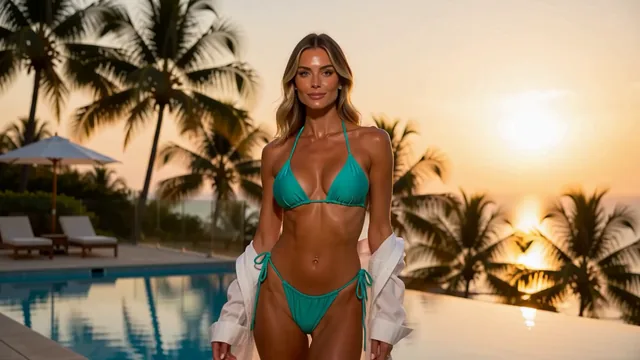
Name the subject, viewpoint, and frame first: a clearly adult fictional woman in a medium portrait beside a rooftop pool window. Add the violet swimwear, flowing cover-up, and warm reflected light after the composition is clear. This order gives Text to Image a readable visual hierarchy and gives you a specific feature to compare after generation.
- 02
Use one brief with one priority
Decide whether the first image should teach you about pose, lighting, wardrobe, or background. Mention the priority in plain language and avoid stacking several unrelated scenes into one prompt. Check the available model, aspect ratio, resolution, and complete Credit estimate in the live tool before you submit.
- 03
Review the still before planning motion
Inspect the finished image for face, hands, silhouette, clothing edges, text or logos, and the crop. A still that looks good at a glance may need a focused edit before animation. If you later use the image in Image to Video or Image to Image, confirm that you are authorized to process the generated result under the applicable terms.
Three Text to Image composition briefs
These examples are illustrative references for prompt planning, not guaranteed generator outputs. The examples separate a portrait, a full-body editorial frame, and a detail composition. Use them to decide what the first still needs to communicate, then write your own original brief with the subject, framing, and one visual priority in that order.
Swipe horizontally to explore all three examples.
Portrait beside a pool window
PromptClearly adult fictional woman, age 32, medium portrait beside a rooftop pool window, violet resort swimwear with a flowing cover-up, relaxed head turn, warm reflected city light, editorial photography.
Review face direction and the window frame before adding more styling.
Full-body corridor composition
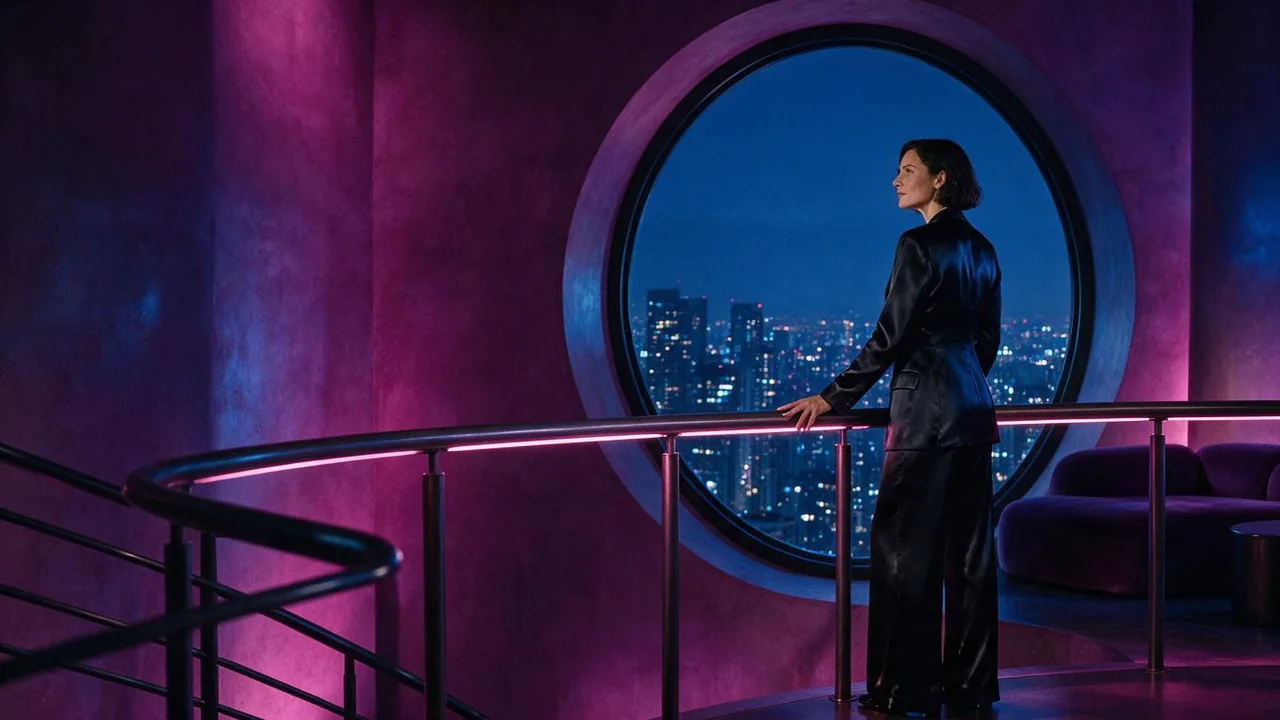
PromptClearly adult fictional model, age 34, full-body editorial frame in a blue pool corridor, cobalt swimwear with a closed cover-up, balanced negative space, soft side light, camera at waist height.
Check the silhouette and floor space before requesting a different pose.
Detail-led fashion frame
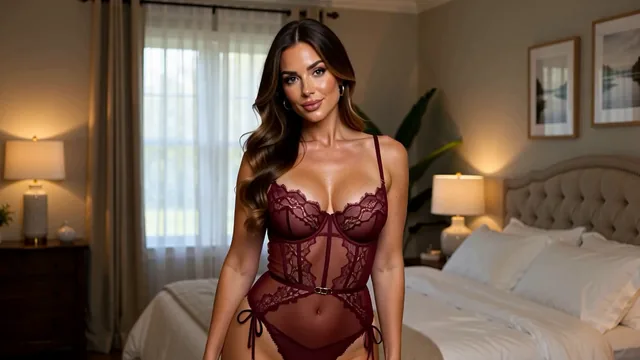
PromptAdult fashion detail, styled hand resting near a pool rail, flowing cover-up and reflective water, no face in frame, restrained magenta and violet palette, close crop, editorial still.
A detail frame can test texture and composition without asking for a face.
Check the Text to Image request before creating
the image workflow controls come from the current Catalog entry. Review the model, aspect ratio, resolution, and full Credit estimate after writing the brief. A showcase image or example prompt does not prove that the same settings, cost, or result are available in the live Workspace.
| Goal | Focus on | Why it helps |
|---|---|---|
| Make the opening frame readable | One subject and one composition priority | A focused brief gives you a clear visual question to answer and a simpler revision path. |
| Keep the result useful for a later workflow | An aspect ratio that fits the intended next step | Choosing the frame shape early reduces unnecessary cropping if the still becomes an authorized source image. |
| Know what the request will use | Live model, resolution, and Credit estimate | Catalog availability and request cost vary by setup; use the value shown in the generator. |
| Make a revision explainable | One changed visual feature | Changing only the pose, light, or background makes the next comparison more informative. |
Revise the still with a clear reason
the image workflow works best when each revision has a visible purpose. Keep the subject and framing steady while you adjust one priority. Review the completed image before making it a source for another workflow, and check the existing task in History before retrying after an error.
- The image contains too many competing details
- Remove secondary locations, props, and mood adjectives. Keep one subject, one frame, and one visual priority.
- The pose or crop is not useful
- State the viewpoint, body framing, and negative space directly. Keep styling language short until the composition works.
- Small details are inconsistent
- Name the important feature once, simplify surrounding instructions, and inspect hands, clothing edges, and logos before a second request.
- You want to animate immediately
- Review the still at full size first. If the image needs a focused change, use Image to Image before starting a separate motion request.
Text to Image questions
Practical answers about live settings, Credits, account access, and consent-first creation.
Start with the subject and framing, then add one visual priority such as pose, wardrobe, light, or background. Keep the brief specific enough to review and short enough that you can identify what to change next.
It can be used for lawful adult creative work involving clearly adult fictional characters and authorized references. Current models and safety controls decide which requests are accepted. Minors, unclear adulthood, non-consensual intimate content, exploitation, and unauthorized likenesses are prohibited.
Eligible new registrations receive 25 free sign-up Credits once, subject to anti-abuse checks. Sign in to confirm the actual balance. Compare the complete estimate for the selected image setup with your balance; there is no guaranteed output count.
You can request a later workflow when the image is compatible and you are authorized to process it. Review the still first, then submit a separate Image to Video request with its own model, output choices, and Credit estimate.
Check the face, hands, silhouette, clothing edges, crop, text or logos, and any feature that matters for your intended use. Generated media may vary and is not automatically cleared for commercial use; review the applicable plan and model terms.
Compose a still you can make a decision from.
Open the image workflow, set one composition priority, and compare the live estimate with your available Credits before submitting.